
Chart of accounts
Six account types: asset, liability, equity, income, expense, and cost of goods sold. Accounts can sit under a parent account, and you build the chart to fit your business.
Trellis keeps a double-entry ledger, posts invoices and payments to it as you work, and reads it back as a balance sheet, a profit and loss, and an aging report.

Trellis is built around a double-entry journal. Invoices and the payments against them post to it on their own, you can post to it by hand, and the reports read it back. Bills and expenses are recorded and show up in the A/P aging and the tax summary.
Six account types: asset, liability, equity, income, expense, and cost of goods sold. Accounts can sit under a parent account, and you build the chart to fit your business.
A manual entry is rejected unless its debits equal its credits and it is not zero. Voiding an entry marks it voided and keeps every line, so history stays in the ledger and the reports stop counting it.
Sending an invoice debits Accounts Receivable and credits the income accounts named on its lines, with the first income account taking whatever is left, and sending it again changes nothing. A payment against it debits cash and credits Accounts Receivable. Voiding a sent invoice takes its entry out of the books.
Every amount in the API is a whole number of cents, never a float. Each table carries an organization id, and every request is checked against the caller's membership before it touches a tenant's rows.
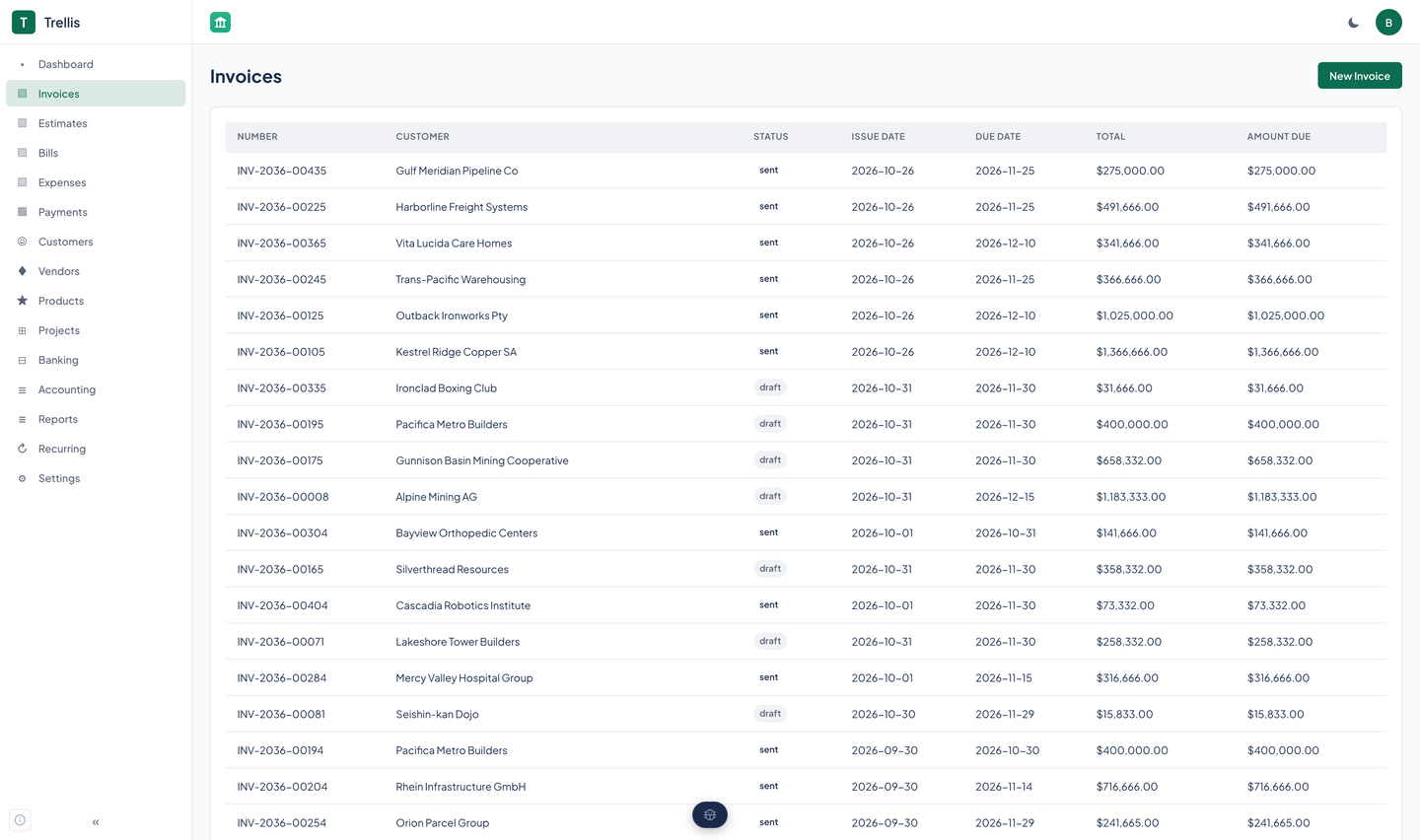
Draft, send, take a partial or full payment, or void. An invoice past its due date is marked overdue. Line items, discounts, and tax codes and rates, including compound tax and tax-exempt customers. Numbers are generated for you.
Every invoice renders to a PDF with the organization's name, address, logo, and accent color, made on the server.
Create a signed link to a read-only page for one invoice, with a PDF download and no login. It expires, you can revoke it, and it works in light and dark. See the security properties on the Agents and API page.
Create an estimate, mark it sent, accept it, and convert it to an invoice.
A directory of customers with their contacts and payment terms, plus products and services with a price, a SKU, and a quantity on hand.
Record a payment received or sent. Applying a payment to an invoice, through the API or an agent tool, updates what is owed and posts to the ledger.
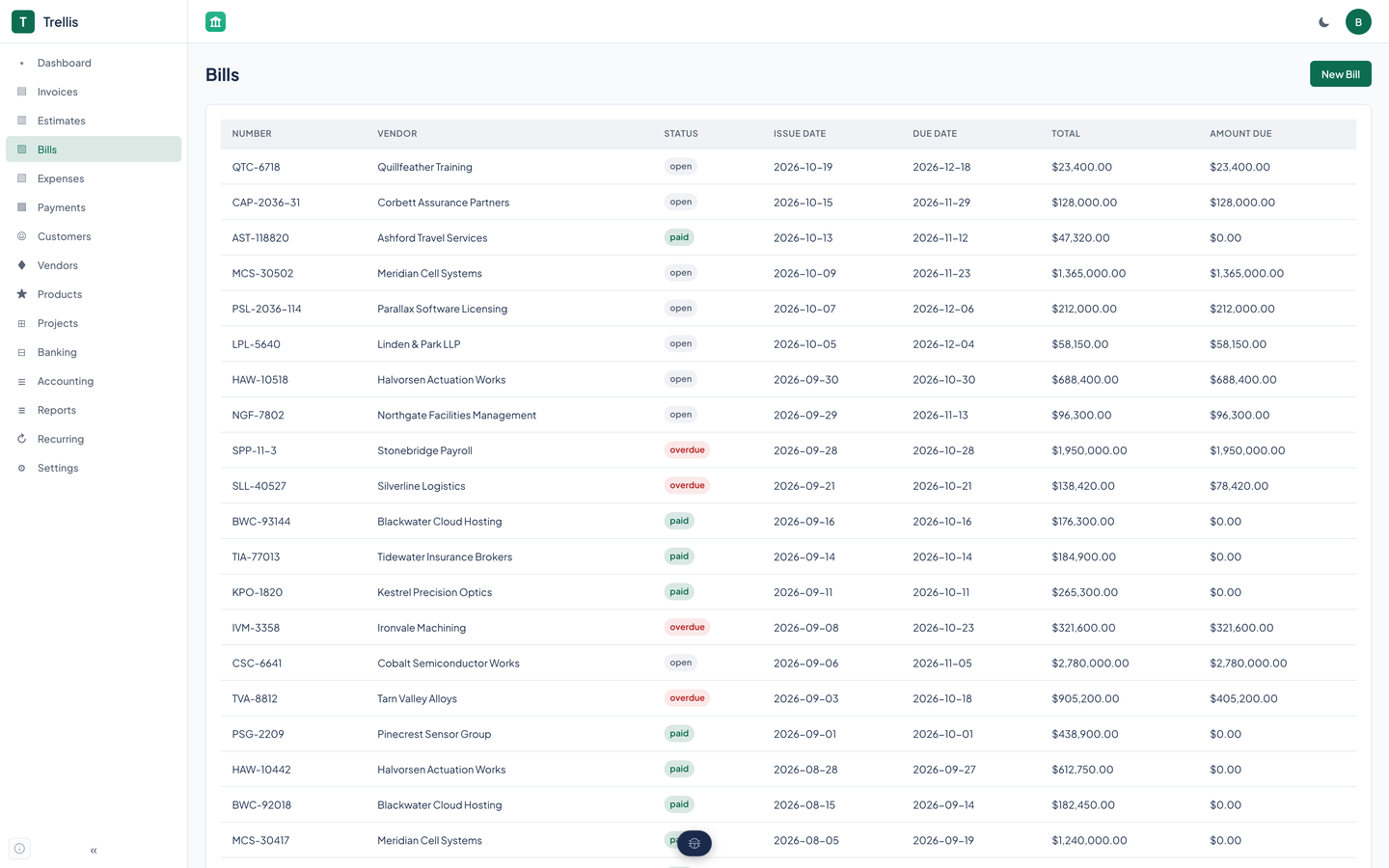
Enter a vendor bill as a draft, edit it, record a payment, and watch it move through open, partial, and paid. Accounts payable aging reports on the open ones.
Record spending by hand under an expense category, with a link to a project.
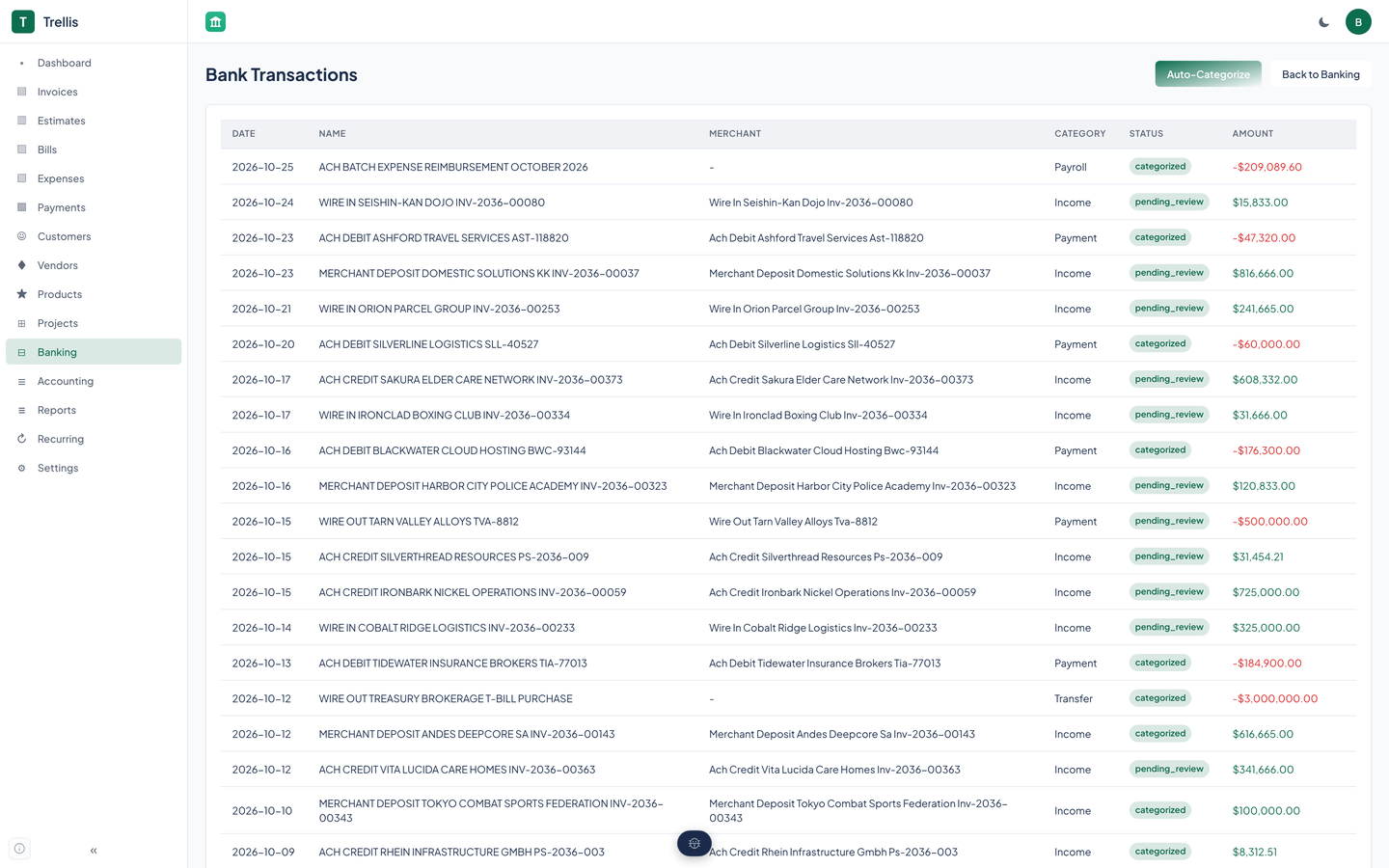
A rule matches on the payee, an amount range, or both, and assigns a category. The first match wins, and Auto-categorize applies the rules to rows that need review.
A language model can suggest a category when no rule fits. It is off by default, it needs a key to be set, and rules always run first. You accept or ignore each suggestion.
Start a reconciliation with a statement date, a statement balance, and the bank rows already categorized or matched, through the API or an agent tool.
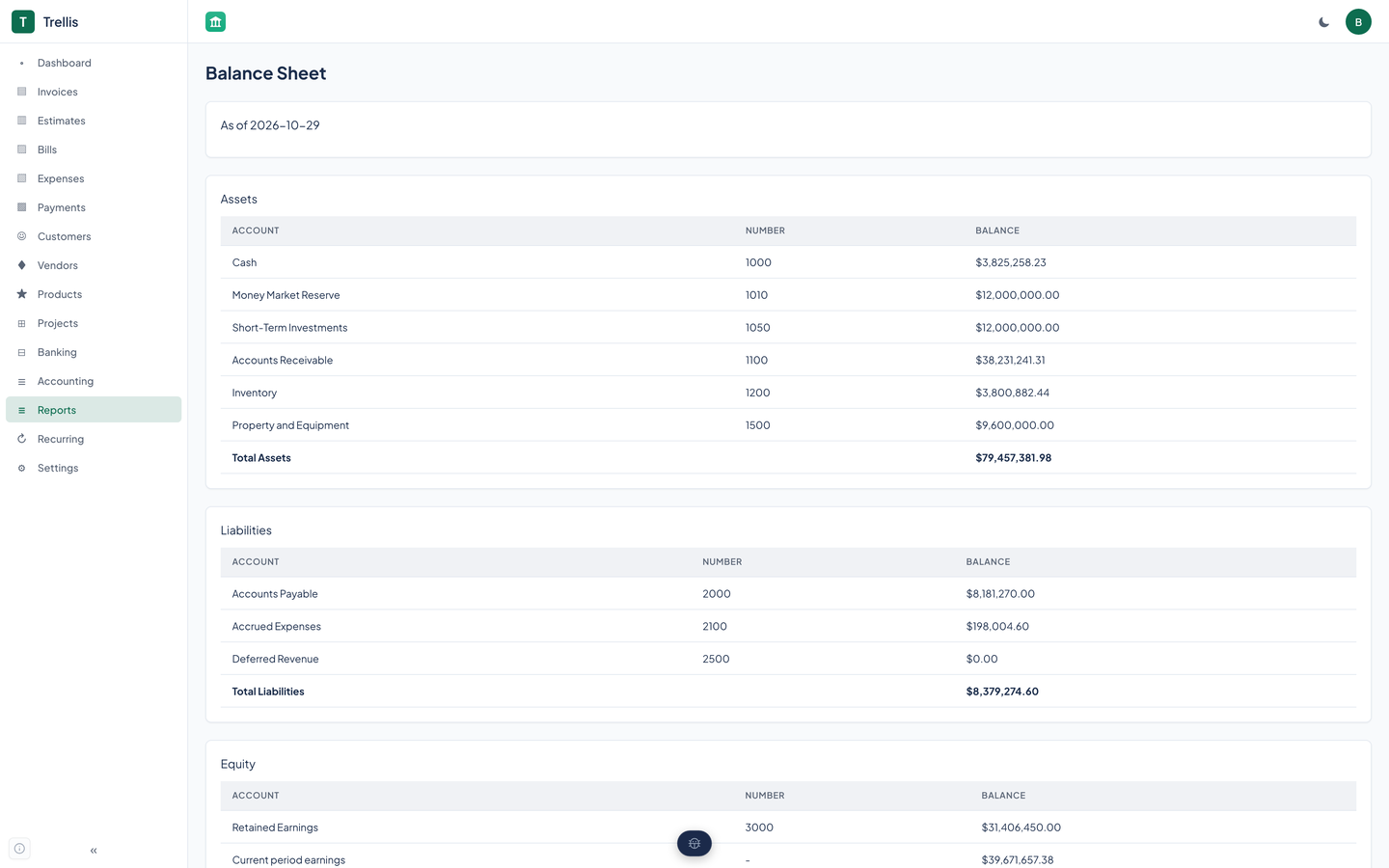
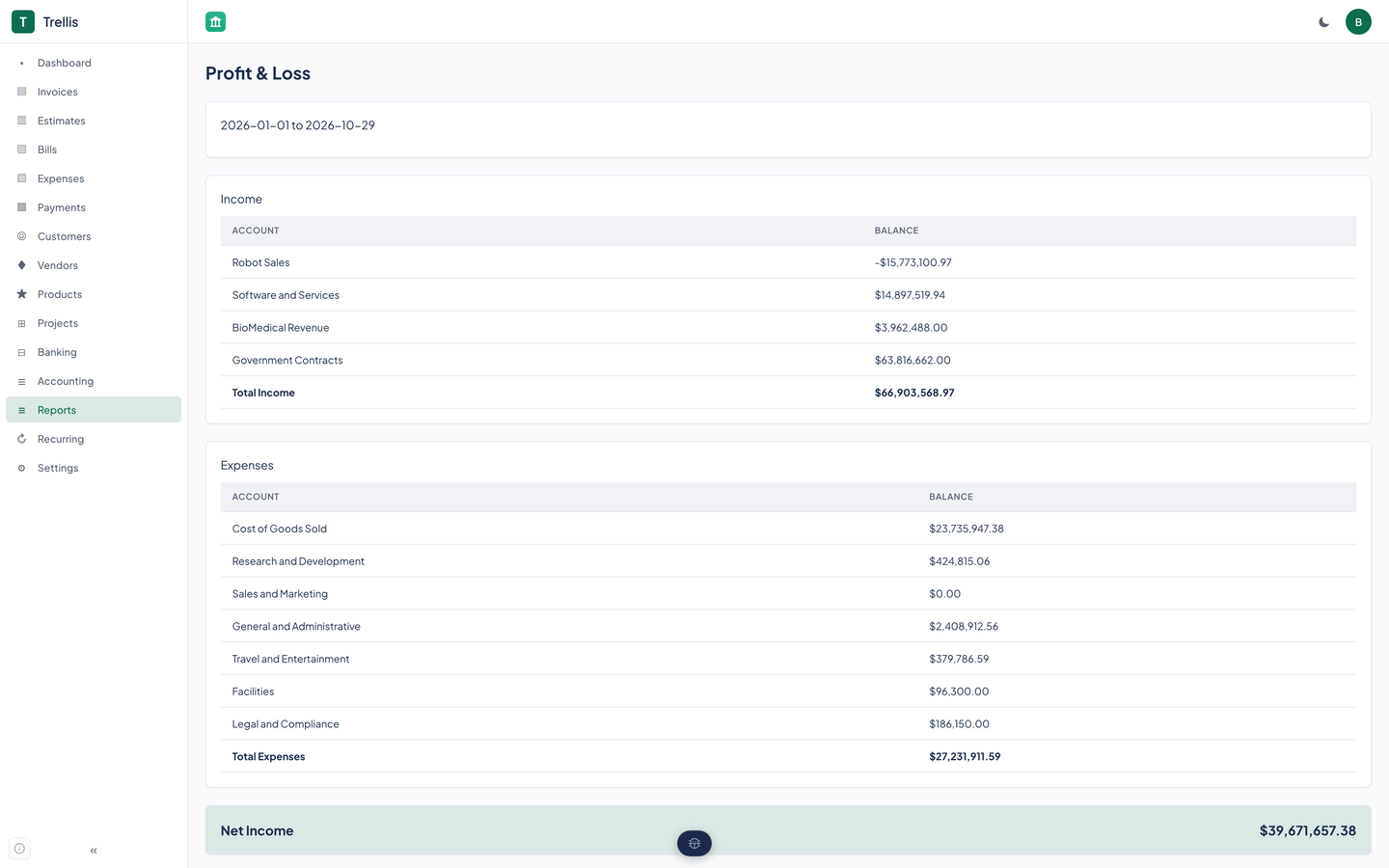
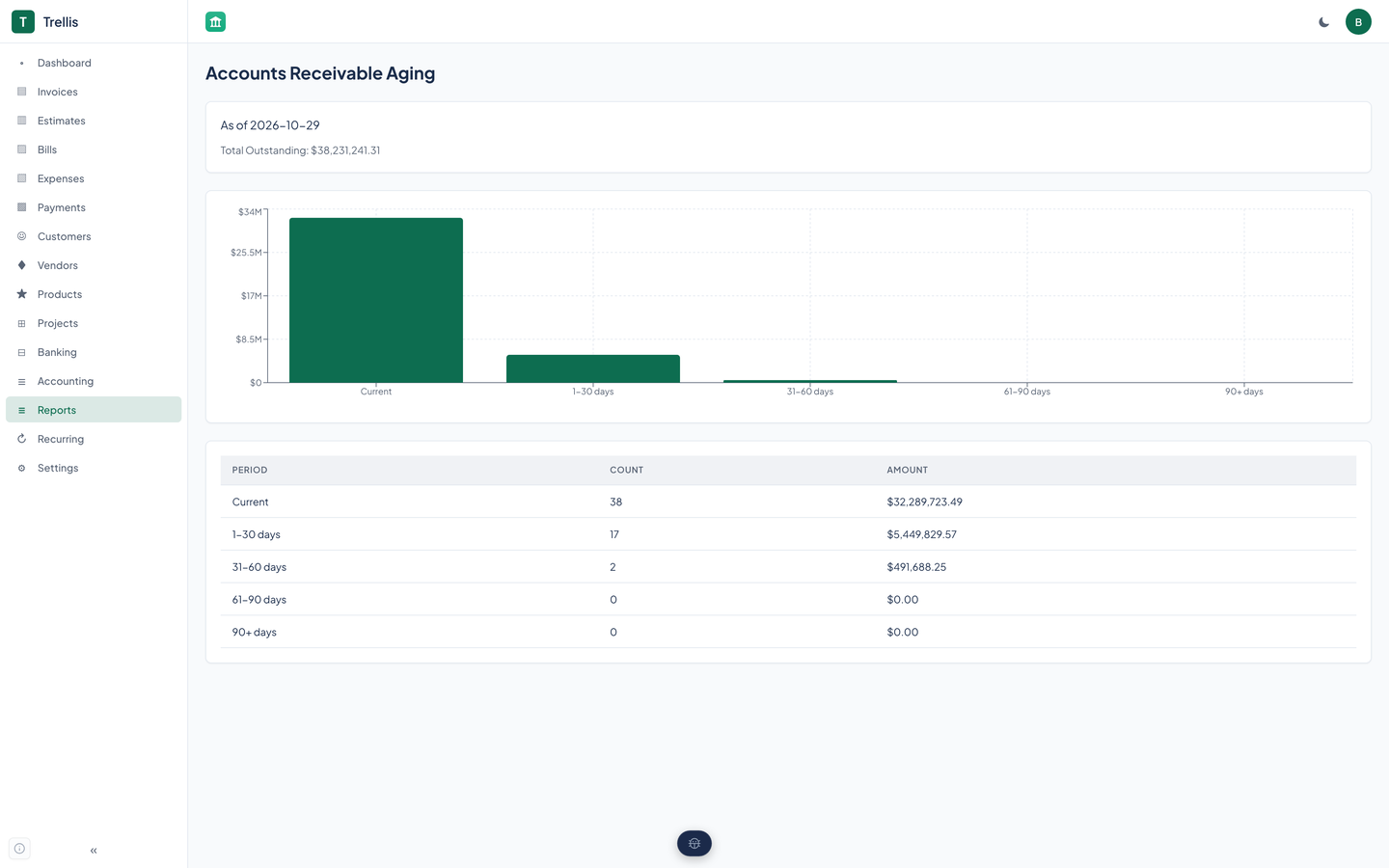
Balance sheet, profit and loss, accounts receivable aging, accounts payable aging, and a tax summary. A cash flow report is available through the API and agent tools.
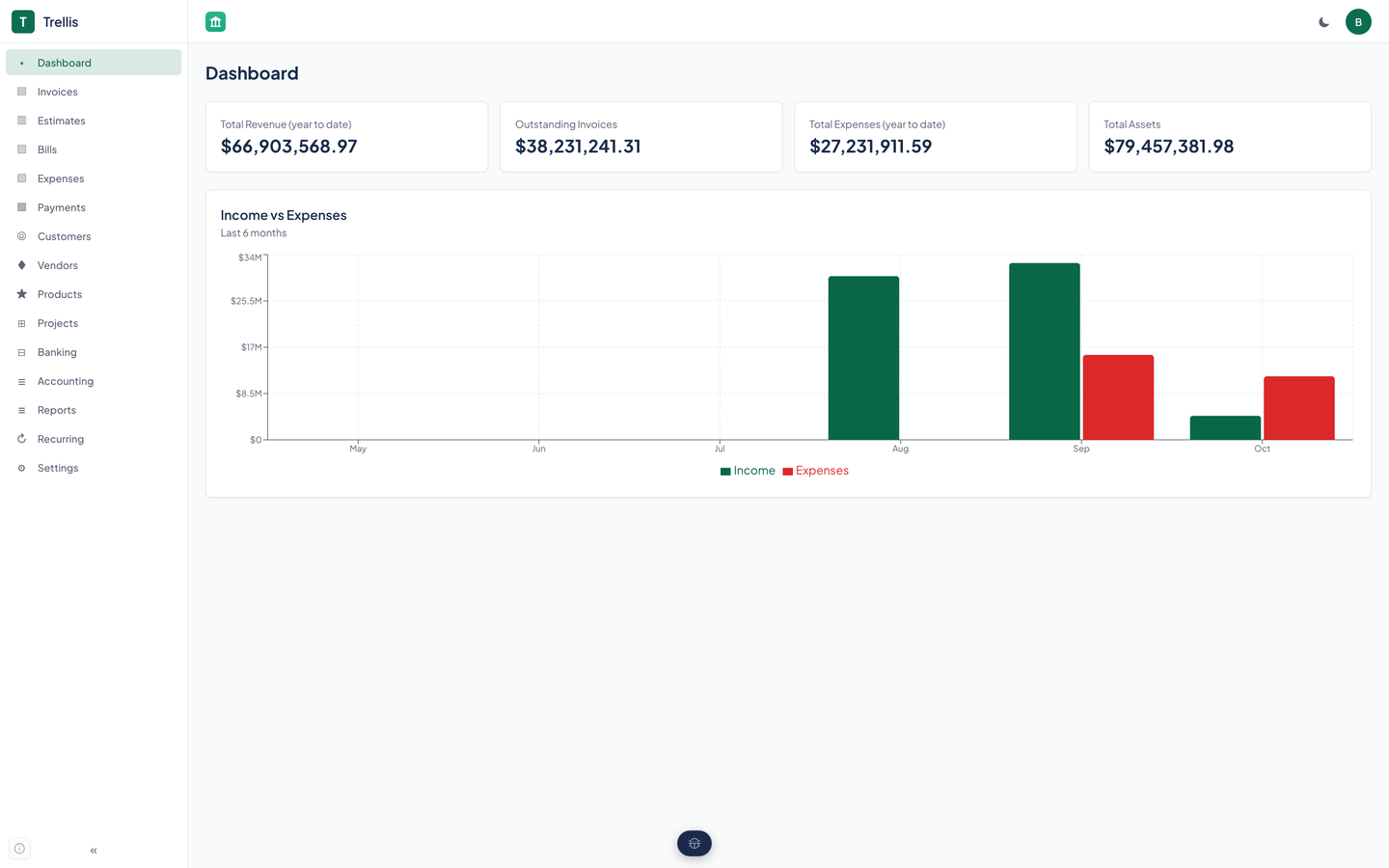
Summary cards and an income against expenses chart on the page you land on.
A project has tasks, members, and a budget, and an expense can point at one.
One Trellis holds many organizations. A caller reaches only the ones it belongs to, and named service tokens reach only the organizations they are scoped to.
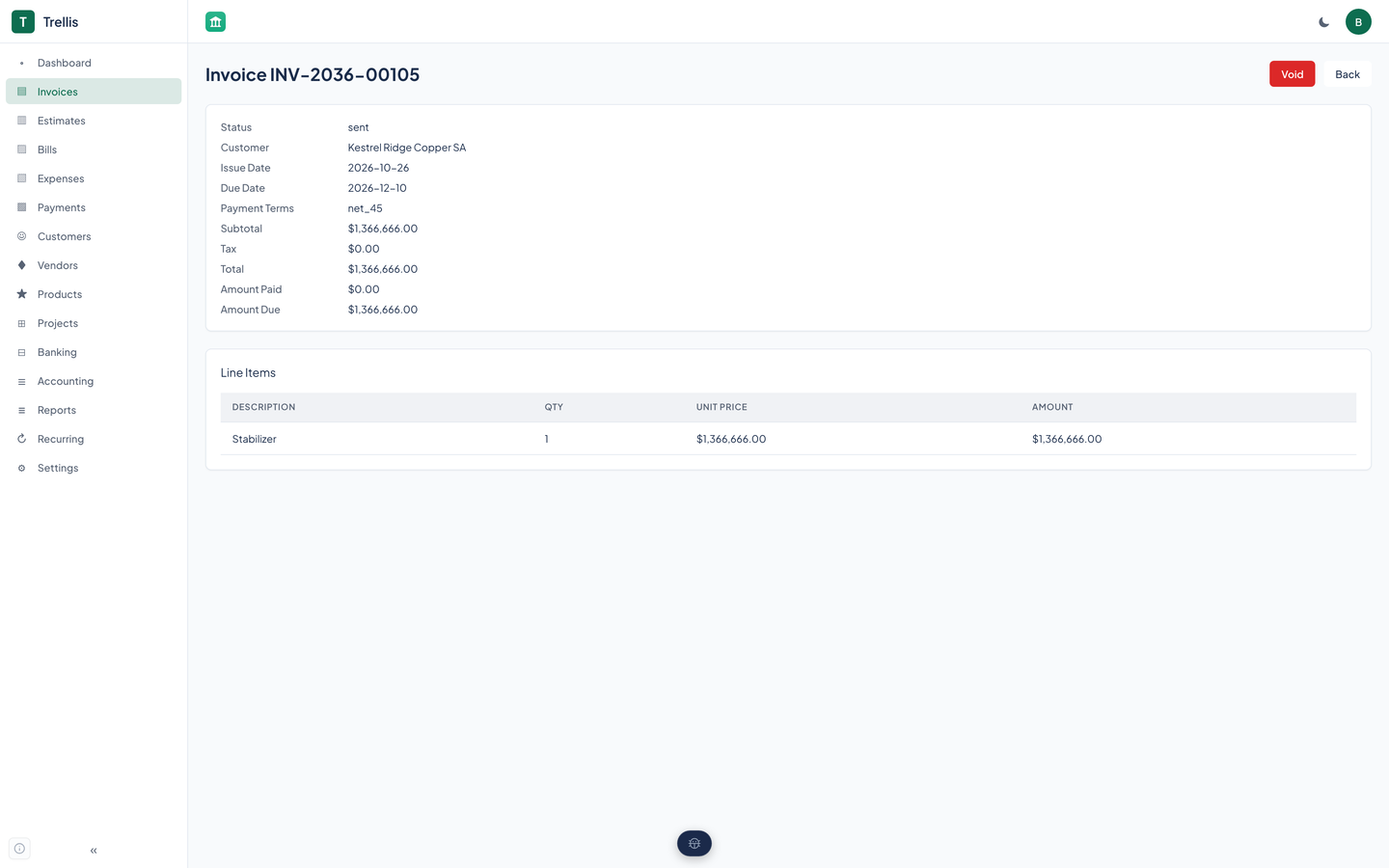
Real captures of the running tool, with fictional StrataForge Robotics data. They follow your theme.
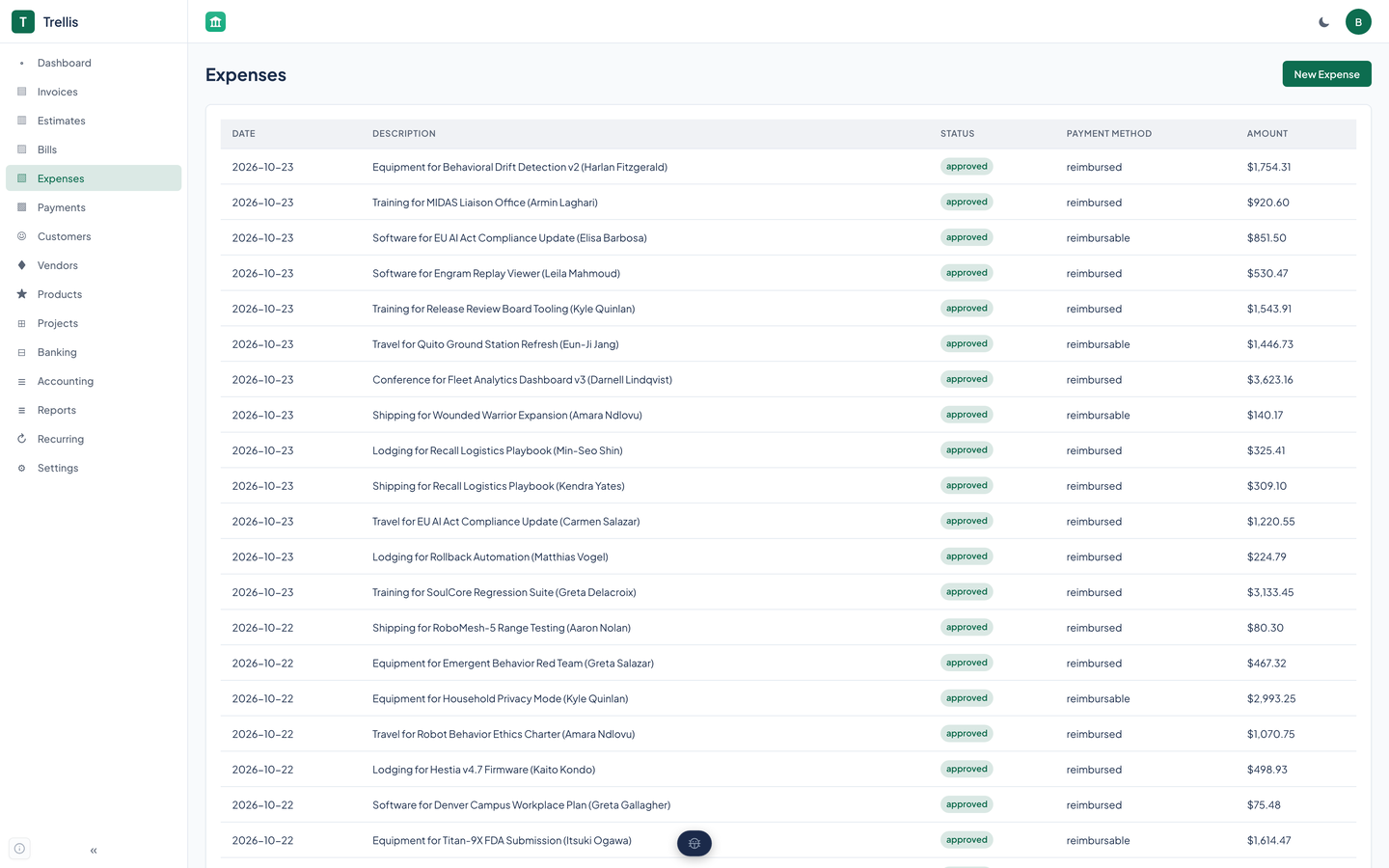
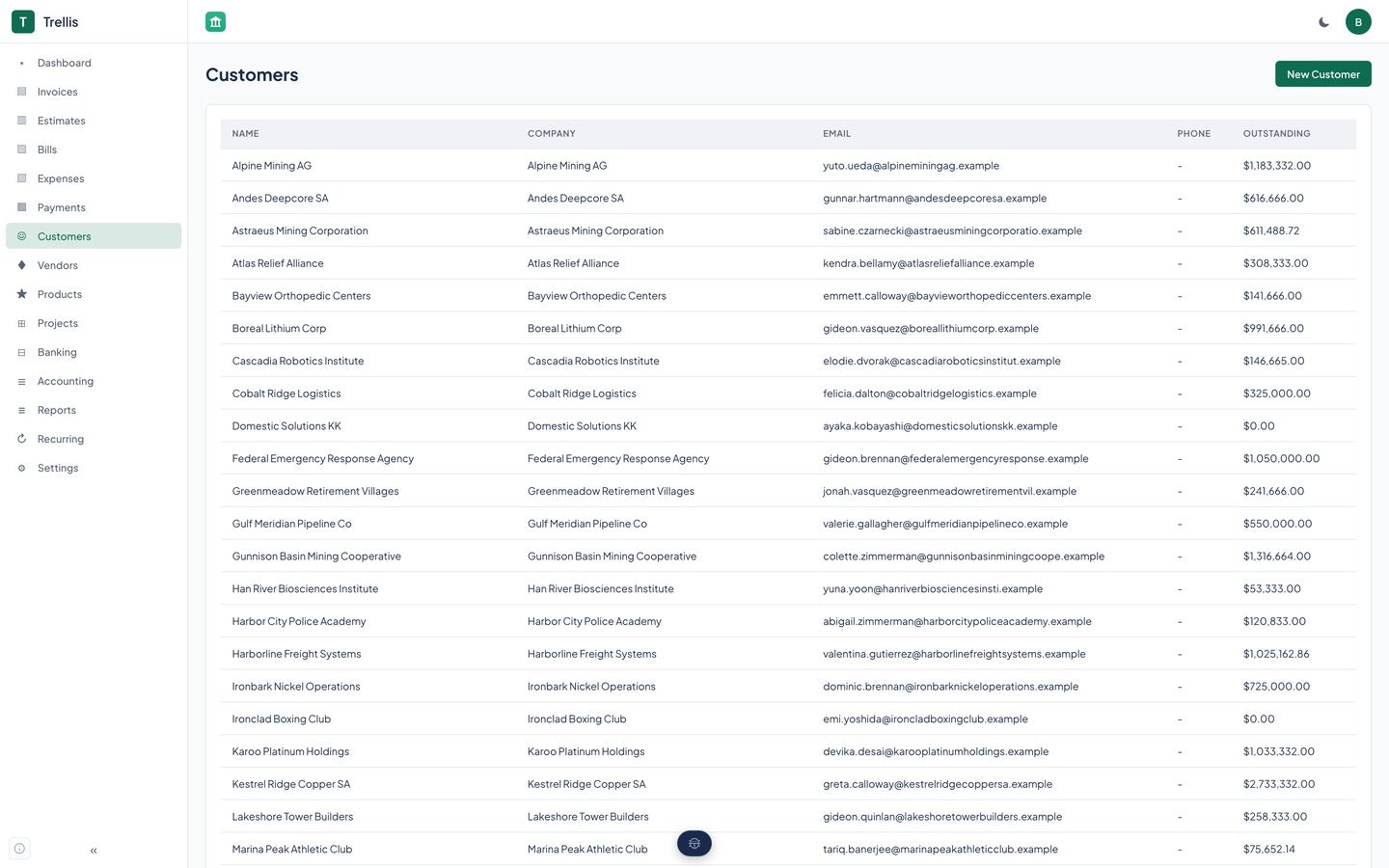
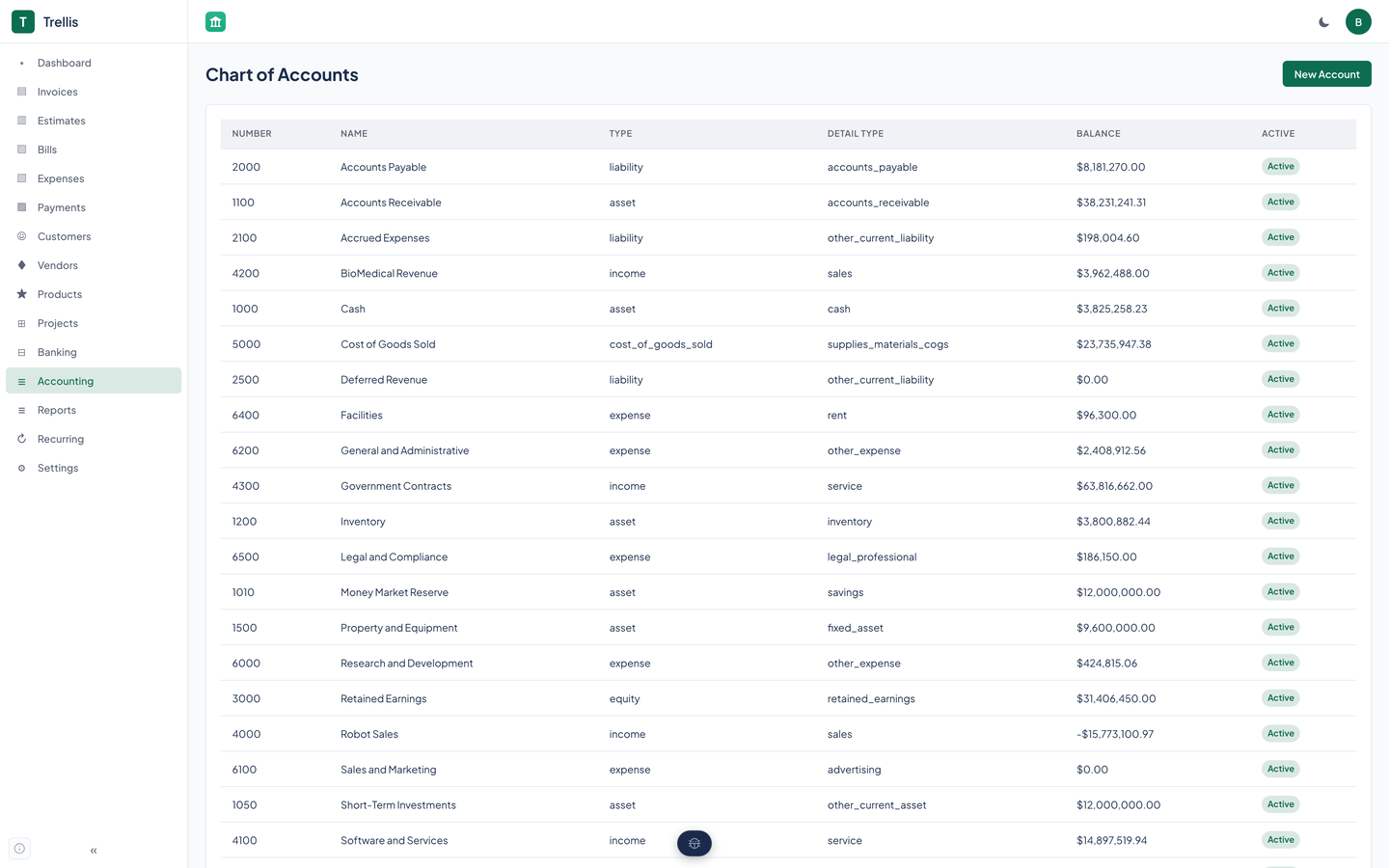
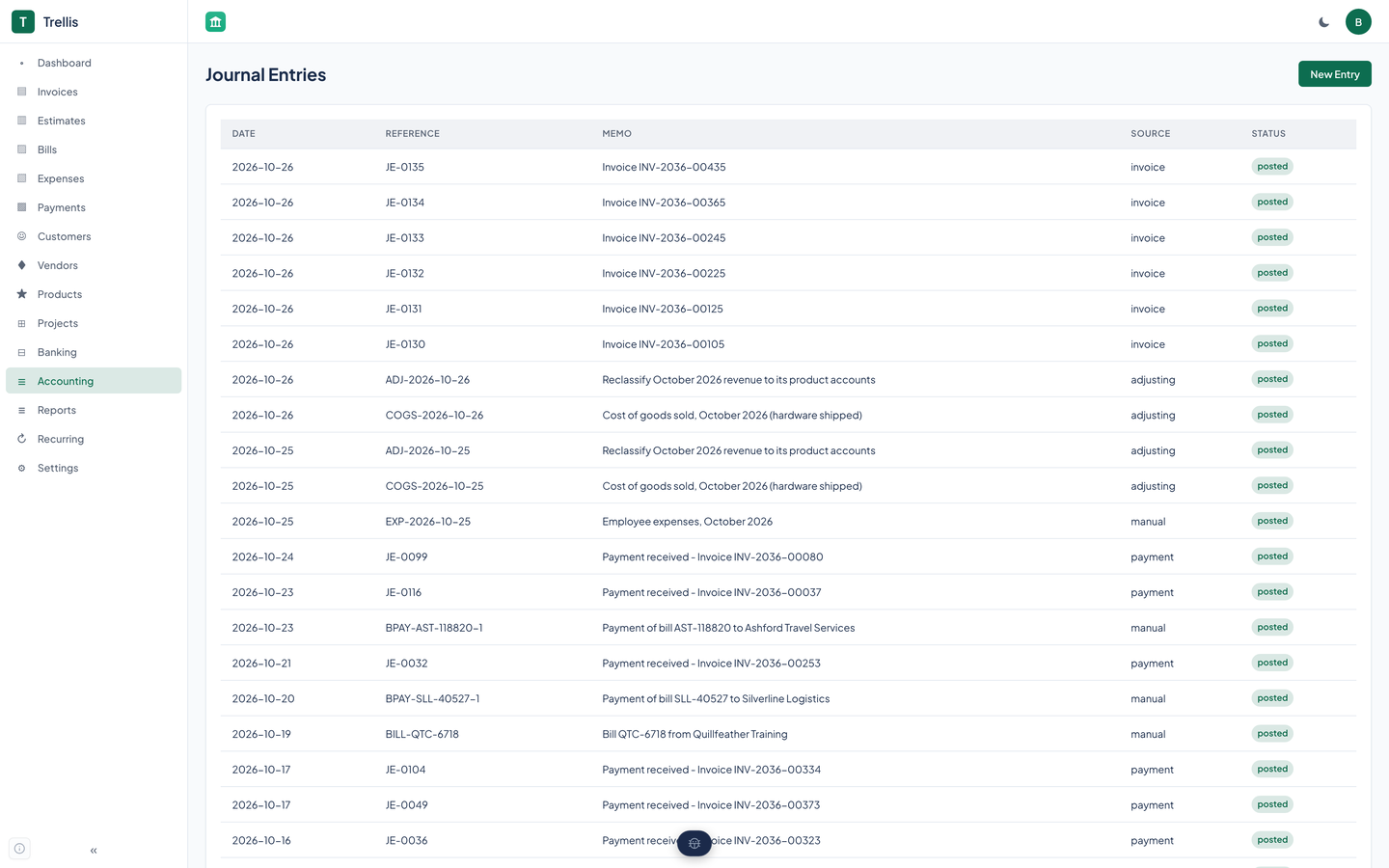
Create your accounts: the bank, Accounts Receivable, an income account, the expenses you track. Invoices need an Accounts Receivable and an income account to post to.
Build an invoice and send it; sending posts the entry. Apply a payment to it, through the API or an agent tool, and cash is debited against receivables. Give the customer the PDF or the hosted link.
Write rules for the payees you see every month, run Auto-categorize, and review what is left.
Open the balance sheet, the profit and loss, or the aging reports. They read the ledger, so what is posted is what you see.
Trellis is a web app, and this is what its code and tests show today. It has a skip link, visible keyboard focus, labeled icon buttons, table headers with column scope, and an automated axe scan of the app and ten pages that passes. It has not been tested with a screen reader, its sidebar icons are not hidden from assistive technology, and one page scrolls sideways on a phone. We do not claim a conformance level for the app.
Partly supported
Every control is a native link or button, so Tab reaches it and Enter or Space works it. A "Skip to main content" link is the first stop on every page, appears on focus, and jumps to the main region. Focus shows a 2 pixel outline in the accent color. Trellis has no keyboard shortcuts of its own. The profile menu in the header closes only when you click elsewhere, not when you press Escape, and the phone menu closes only by clicking its backdrop or a link. Nobody has walked every flow with only a keyboard.
Partly supported
The page has a header, a sidebar, a navigation, and a main region. The header's icon buttons carry text labels (Toggle menu, the theme switch, User menu), the logo has alt text, the dashboard chart has a visually hidden table as its text alternative, and table headers declare column scope in 41 places. An automated axe-core scan of the whole app and ten routes finds no violations. But the sidebar's icons are plain symbol characters that are not hidden from assistive technology, so they are likely to be read aloud before each label, the navigation has no label of its own, and Trellis has not been tested with VoiceOver, NVDA, or any other screen reader.
Partly supported
Trellis's emerald accent measures 6.33 to 1 against white in light mode and 6.48 to 1 against the dark card color in dark mode, both above 4.5 to 1. On 10/29/2026 an axe-core scan in a real browser found 84 serious color-contrast violations (accent buttons, the active sidebar link, status badges, and empty states); they were fixed the same day and a re-scan of 25 routes at 375 and 1440 pixels in both themes found no violation of any severity. Axe checks the text it can compute, so text over images, hover and focus states, and the Increase Contrast setting are unmeasured.
Partly supported
The design system's global stylesheet, which the app loads, shortens every animation and transition to almost nothing when the system asks for reduced motion. The app's own stylesheet adds no rule of its own and leans on that one. This was read from the stylesheet and not checked in a browser with the setting turned on.
Not yet tested
Nobody has tested Trellis at larger text sizes or browser zoom. The page does not block zoom: its viewport tag sets no maximum scale. The sidebar is a fixed width and the tables are wide, so large text may crowd or scroll them.
Partly supported
Below a tablet width the sidebar slides out of view, a menu button opens it over the page, and tapping the backdrop closes it. The tables have no mobile layout of their own, so how each page fits a phone has only been checked by an automated scan, and that scan found the Bank Transactions page wider than a 375 pixel screen, so it scrolls sideways.
| Backend |
|
|---|---|
| Frontend |
|
| Auth and tenancy |
|
| Agents and API |
|
| Quality |
|
| Stands in for | QuickBooks, FreshBooks |
Trellis ships an MCP server so a coding or planning agent can keep the books: create customers and invoices, send one, record a payment, make a hosted link, categorize bank rows, and read the balance sheet.
list_accountscreate_accountcreate_journal_entrylist_journal_entriesget_accountupdate_accountdelete_accountget_journal_entryvoid_journal_entrylist_customerscreate_customerget_customerlist_vendorscreate_vendorupdate_customerdelete_customerlist_customer_contactscreate_customer_contactupdate_customer_contactdelete_customer_contactget_vendorupdate_vendordelete_vendorlist_invoicescreate_invoiceget_invoicesend_invoicelist_estimatescreate_estimateconvert_estimateupdate_invoicevoid_invoiceget_invoice_pdfcreate_invoice_share_linklist_invoice_share_linksrevoke_invoice_share_linkrevoke_all_invoice_share_linksget_estimateupdate_estimatesend_estimateaccept_estimaterecord_invoice_paymentlist_billscreate_billlist_expensescreate_expenselist_paymentscreate_paymentget_billupdate_billdelete_billrecord_bill_paymentlist_expense_categoriescreate_expense_categoryget_expenseupdate_expensedelete_expenseget_paymentlist_bank_connectionslist_bank_accountslist_bank_transactionscategorize_transactionauto_categorize_transactionssuggest_transaction_categoryaccept_transaction_suggestionlist_bank_rulescreate_bank_ruleupdate_bank_ruledelete_bank_rulelist_reconciliationscreate_reconciliationcomplete_reconciliationbalance_sheetprofit_lossar_agingap_agingtax_summarycash_flowlist_tax_codescreate_tax_codeupdate_tax_codelist_tax_ratescreate_tax_ratelist_tax_periodslist_projectscreate_projectlist_productscreate_productget_productupdate_productdelete_productget_projectupdate_projectdelete_projectlist_project_taskscreate_project_taskupdate_project_taskdelete_project_tasklist_project_membersadd_project_memberlist_recurring_profilescreate_recurring_profileget_recurring_profileupdate_recurring_profiledelete_recurring_profileget_settingsupdate_settingscreate_organizationget_organizationupdate_organizationlist_classescreate_classupdate_classlist_locationscreate_locationupdate_locationget_my_identitycheck_service_healthget_diagnosticsTrellis is in preview. This site shows it running locally on a fictional company's books. To ask about access, write to contact@renkara.com.
Every screenshot shows the books of StrataForge Robotics, the fictional company from the novel The Deferral. The customers, vendors, invoices, and bank rows are made up. No real company's books appear anywhere on this site.
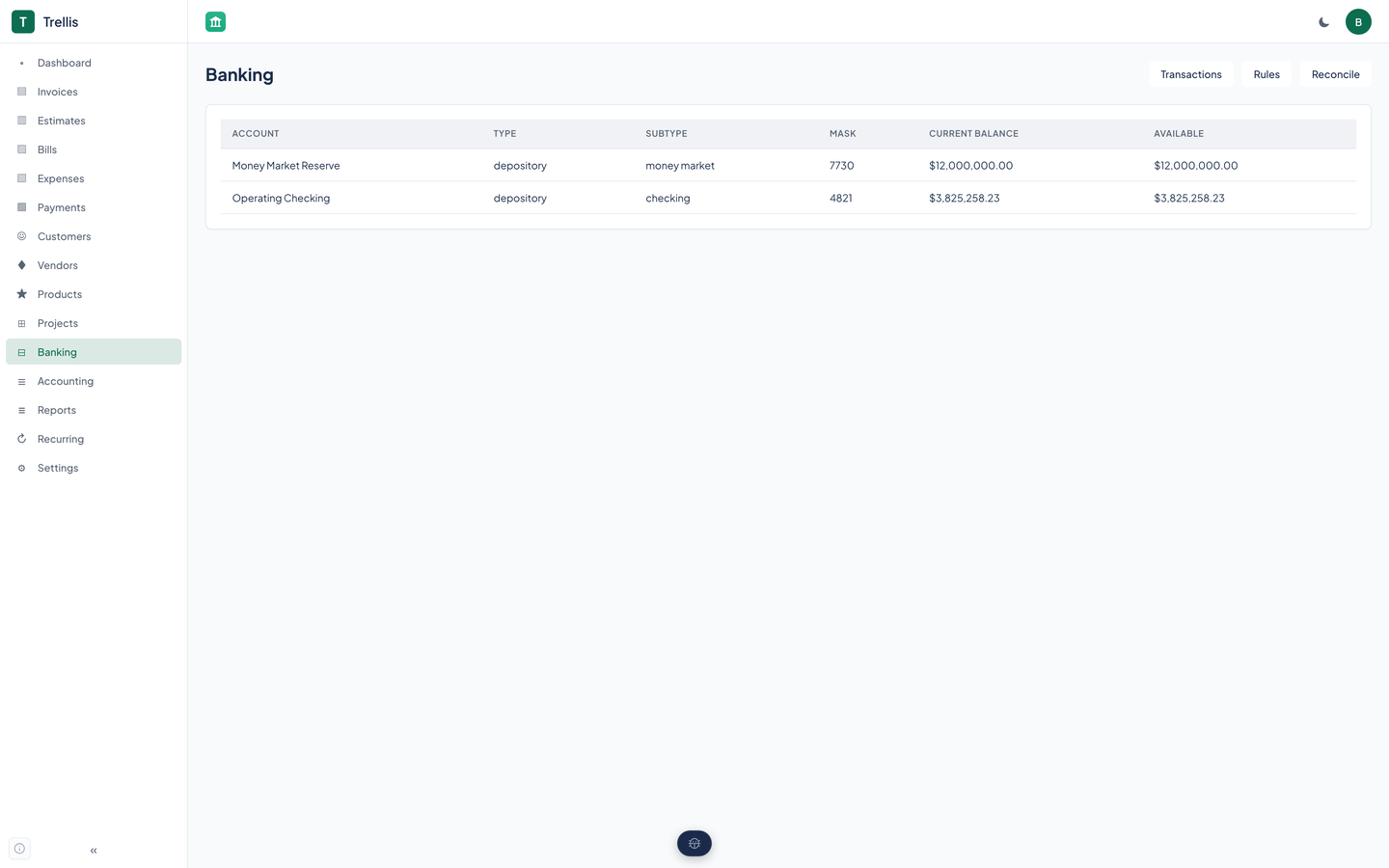
It lists your bank accounts and their rows. You write rules that match a payee, an amount range, or both and assign a category, run Auto-categorize, and review what is left. Reconciliation compares a statement to the rows you have categorized. The Banking page walks through it.
Sending an invoice marks it sent and posts it to the books. You give your customer the PDF, or a hosted link: a signed, expiring page with a PDF download that you can revoke.
Apply it to the invoice, in part or in full, through the API or an agent tool. The invoice becomes partial or paid, and the payment posts to the ledger.
They read the journal: invoices, the payments applied to them, and the entries you post by hand. Bills and expenses are recorded and appear in the A/P aging and the tax summary.
It does the invoice-to-balance-sheet job a small business gives to QuickBooks or FreshBooks: invoices, bills, expenses, a ledger, and the reports that come from it.
As whole numbers of cents everywhere in the API, never as floating-point numbers, so a total cannot drift by a fraction of a cent.
Yes. A 119-tool MCP server covers nearly everything the API does, including the hosted link and the invoice PDF. The Agents and API page lists the groups.
Yes. Trellis is a web app with a phone layout: the sidebar becomes a menu button that opens it over the page.
Write to Renkara Media Group and a person will answer.